This article contains affiliate links. If you purchase or book through these links, we may earn a commission at no additional cost to you.
The “999 Ping” Nightmare
It is the moment every gamer dreads. You are in the final circle of Warzone, or perhaps you are streaming a speed run to an audience of thousands on Twitch. The stakes are high. Your inputs are crisp. Then, disaster strikes. Your character freezes in place, rubber-banding back three steps. The stream buffer wheel starts spinning. You check your ping: it has spiked from a comfortable 30ms to a catastrophic 999ms.
You haven’t lost your internet connection. Your Discord is still working. But your VPN has just choked.
For years, the tech industry has sold Virtual Private Networks (VPNs) to gamers and streamers as the ultimate tool for privacy and avoiding ISP throttling. And for the most part, that is true. But there has always been a dirty little secret in the VPN industry: the architecture itself was brittle.
Traditional VPNs rely on a 1-to-1 connection model. When you click “Connect” to a server in Frankfurt, you are building a single, fragile tunnel to a single physical machine. If that machine gets crowded with other users, or if you try to switch servers to find a better speed, your connection must drop, perform a “handshake,” and reconnect. In the world of competitive gaming or live broadcasting, that five-second drop is an eternity. It is a “Game Over.”
But a new architecture is quietly rewriting the rules of how secure tunnels work. It is called Nexus, and it is moving the industry away from “servers” and toward “networks.”
The “Single-Server” Trap
To understand why Nexus is a breakthrough, we first have to look at the outdated engine under the hood of most VPNs.
Imagine a traditional VPN connection like taking a bus. You get on the bus (the server) at your house, and it drives you to your destination. If that bus gets a flat tire, or if it gets stuck in traffic (server congestion), you are stuck. You have no choice but to get off the bus, wait on the side of the road, and hail a new one.
In digital terms, this is what happens when you switch IPs or servers. Your data stream is severed. The game server sees you “disconnect,” and by the time you reconnect with a new IP, you have been kicked from the lobby.
This limitation exists because, historically, VPN servers acted like isolated islands. Server A in New York didn’t “talk” to Server B in New York. They were just two separate computers renting space in a rack. If Server A got overwhelmed, it couldn’t offload your traffic to Server B. It just slowed down.
This architecture is fine for checking emails, but for high-fidelity activities like 4K streaming or twitch-response gaming, it is a liability.
Enter Nexus: The “Software Defined” Revolution
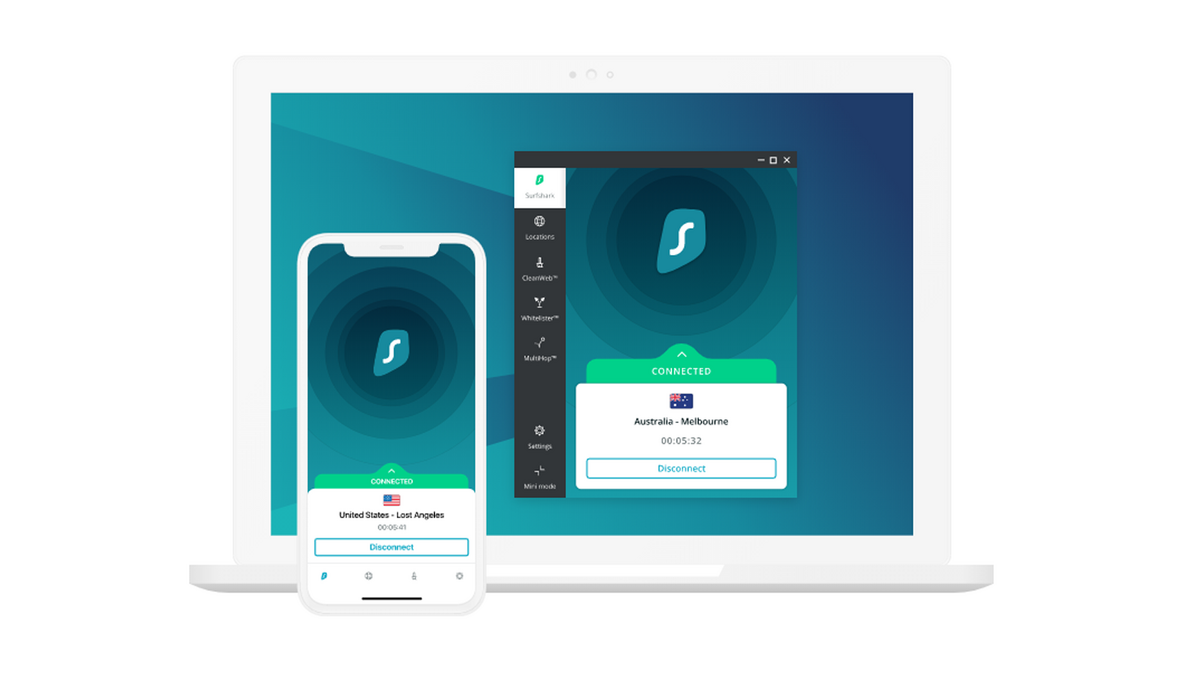
Surfshark, a major player in the VPN space, recently rolled out a technology they call Nexus. While the name sounds like marketing jargon, the tech behind it, Software Defined Networking (SDN), is a legitimate architectural shift.
With Nexus, Surfshark has effectively connected all its servers into a single, massive, global cloud.
Let’s go back to the bus analogy. If traditional VPNs are buses, Nexus is a futuristic, interconnected metro system. Once you swipe your card and enter the station (the Nexus network), you can move between trains, switch lines, and change routes without ever leaving the station.
When you connect to Surfshark Nexus, you aren’t just plugging into a single server in London; you are plugging into the entire Surfshark cloud. Your traffic enters the network, and the software decides the best way to route it.
Why does this matter for your ping? Because it decouples your “entry” from your “exit.”
Feature Deep Dive: The IP Rotator
The most impressive application of this technology for the privacy-conscious streamer is the IP Rotator.
In a traditional setup, if you want to change your IP address (to shake off a tracker or refresh your digital identity), you have to disconnect and reconnect. We’ve all done the “VPN Shuffle”, disconnecting, finding a new city, and reconnecting, hoping the stream doesn’t crash.
Nexus changes the physics of this interaction. Because your connection is to the network and not just a single physical box, Nexus can rotate your exit IP address automatically, every 5 to 10 minutes, without breaking your tunnel.
How it works:
- The Tunnel: Your computer maintains a stable, continuous handshake with the Nexus entry node. This tunnel never breaks.
- The Switch: Inside the Nexus cloud, the software dynamically reroutes your traffic to exit through a different server node.
- The Result: The game server or streaming platform sees your IP change, or sees a fresh request, but your local PC never experiences a packet drop.
For a streamer, this is revolutionary. It means you can have a constantly shifting digital footprint, making it nearly impossible for malicious actors to DDoS you or track your location, without your OBS stream dropping frames. You get the security of a moving target with the stability of a static line.
Feature Deep Dive: Dynamic MultiHop
The second big win for the tech-curious user is Dynamic MultiHop.
“Double VPN” or “MultiHop” isn’t new. It involves routing traffic through two servers (e.g., PC -> France -> USA -> Internet) for double encryption. Traditionally, this was a rigid, slow process. You had to use pre-set pairs provided by the VPN company. If the “France -> USA” pair was lagging, you were out of luck.
Nexus allows for Dynamic MultiHop because all servers are aware of each other. You can now build your own custom routes based on your specific needs.
The Gamer’s Strategy: Let’s say you are in Germany, but you want to play on a US East Coast server to join friends.
- Traditional VPN: You connect to New York. Your traffic travels over the open, chaotic public internet all the way from Germany to New York, then hits the VPN server. If there is a bottleneck in the Atlantic fiber cables, you lag.
- Nexus Dynamic MultiHop: You can choose an entry node in Frankfurt (close to you) and an exit node in New York. Your traffic hits the high-speed, optimized Nexus network immediately in Germany and rides their internal infrastructure across the ocean to New York.
By controlling the entry point, you ensure your data gets onto the “fast lane” (the VPN provider’s optimized network) as soon as it leaves your house, rather than bouncing around the public internet for thousands of miles. This can stabilize jitter and reduce packet loss significantly.
Why “Stabilized” Speed Matters More Than “Max” Speed
When reading speed tests, most users look at “Max Mbps.” But for gaming and streaming, “Max Mbps” is vanity. Stability is sanity.
A 500 Mbps connection that drops packets every 30 seconds causes “lag spikes.” A 100 Mbps connection that never drops a packet feels smooth as butter.
This is where the SDN (Software Defined Networking) aspect of Nexus shines. Because the network is aware of traffic loads, if a specific server node begins to suffer from high latency or congestion, the network can theoretically balance that load. You aren’t stranded on a sinking ship; the network buoys you up.
For the streamer, this prevents “buffering” circles. For the gamer, it prevents “rubber-banding.” It turns the chaotic waves of the internet into a predictable flow.
Enterprise-Grade Tech for the Price of a Coffee
SDN technology is usually reserved for massive enterprise networks, the kind used by Google or Amazon to manage their internal traffic. It is complex and expensive to maintain. Seeing it deployed in a consumer VPN is a significant value-add.
Surfshark is currently aggressively pricing this tech to capture the market. They are offering an 80%+ discount plus free months for new users.
When you break down the monthly cost, you are essentially getting enterprise-grade network routing, capabilities that used to require complex IT knowledge and expensive hardware, for less than the price of a single cup of coffee per month.
Final Takeaway
The internet is getting more crowded. ISPs are getting more aggressive with throttling. Trackers are getting smarter. The old “single-server” VPN model is reaching its limits.
If you are just browsing Wikipedia, a traditional VPN is fine. But if your digital life involves real-time data, headshots in Counter-Strike, live bitrate on Twitch, or competitive inputs in League of Legends, you cannot afford a brittle connection.
Surfshark Nexus isn’t just a software update; it is a rethink of how we tunnel through the internet. By rotating your IP without disconnecting you and allowing you to curate your traffic’s path across the globe, it offers a level of control and stability that finally catches up to the demands of modern internet users.
The next time you see a 999ms ping spike, ask yourself: Is it my internet, or is my VPN just stuck in traffic?