The 2026 World Cup is going to be the most logistically complex tournament in football history. With 16 host cities scattered across the United States, Canada, and Mexico, the days of booking one central hotel and taking a short train ride to every match are over.
For the nomadic match-day optimizer, attending this tournament means navigating massive distances, crossing international borders, juggling three different currencies, and dealing with entirely different public transit systems. Add in strict digital-only stadium entry rules, and your smartphone quickly becomes your most vital piece of travel gear.
If you are planning to follow your country through the group stages and beyond, you need more than just a jersey and a passport. The right digital tools are the difference between a seamless, unforgettable trip and missing kickoff because you were stuck outside the gate with no cell service.
Here is the definitive cross-border digital survival guide. These are the 10 mobile apps every fan needs downloaded, updated, and ready to go for FIFA 2026.
The Absolute Non-Negotiables
If you only download two apps for this trip, make it these. Without them, you literally cannot get into the stadium.
1. FWC2026 Mobile Tickets
Forget paper tickets. Forget PDFs. For 2026, stadium entry is strictly digital, and FIFA is cracking down on ticket counterfeiting.
The FWC2026 Mobile Tickets app uses dynamic NFC (Near Field Communication) technology. This means your ticket features a dynamic barcode that refreshes every few seconds. Screenshots will explicitly not work at the gates.
You must present the live app to the scanner. If you show up with a screenshot sent by a friend, security will turn you away.
- Pro-Tip: Stadium perimeters are notorious for dead cellular zones when 80,000 people try to use their phones at once. Open the app and load your ticket while you are still at your hotel or at a local bar on Wi-Fi. The ticket will remain active in the app’s cache even if you lose signal at the gate.
2. FIFA World Cup 2026 Official App
The main FIFA World Cup 2026 Official App is your tournament command center. While it doesn’t hold your match tickets, it holds everything else you need to survive match day.
FIFA updates this app in real-time with crucial logistical information. You will find detailed, interactive stadium maps showing exactly where your specific entry gate is located. It also pushes live alerts about gate closures, weather delays, and official fan festival schedules.
Check out FeedUpdate’s complete breakdown of the 16 host city stadiums and seating charts.
Surviving the Tri-Country Network
Data roaming across North America can drain your budget before the tournament even officially begins. You need uninterrupted connectivity to pull up your dynamic tickets, order rides, and translate menus.
3. Airalo or ByteSIM (eSIM Providers)
Depending on your home carrier, international roaming fees can easily exceed $10 to $15 per day. Over a three-week tournament, that is a massive unnecessary expense.
Instead of swapping physical SIM cards at every border crossing, download an eSIM provider like Airalo or ByteSIM. You can purchase a single “North America” regional data plan that instantly connects to local towers in the US, Canada, and Mexico.
If you are a US resident, carriers like Verizon offer comprehensive travel passes, but for international visitors, a regional eSIM is the most cost-effective way to ensure you always have enough data to load your digital wallet.
4. ExpressVPN or NordVPN
You will be spending a lot of time on unsecured public Wi-Fi networks in airports, hotel lobbies, and stadium concourses. Protecting your banking apps and digital tickets is paramount.
Additionally, a Virtual Private Network (VPN) like ExpressVPN or NordVPN is essential for bypassing geographic broadcast restrictions. If you want to log into your home country’s streaming service to catch commentary in your native language, a VPN allows you to route your connection safely and avoid geo-blocks from your hotel room.
Mid-Match Break: Don’t get caught with dead zones at the gate. Download our free FIFA 2026 Pre-Travel Tech Checklist before you pack! Ensure your phone is match-day ready.
The Cross-Border Wallet
Carrying large amounts of physical cash, especially splitting it between US Dollars, Canadian Dollars, and Mexican Pesos—is a massive security risk and a logistical headache.
5. Apple Wallet / Google Wallet
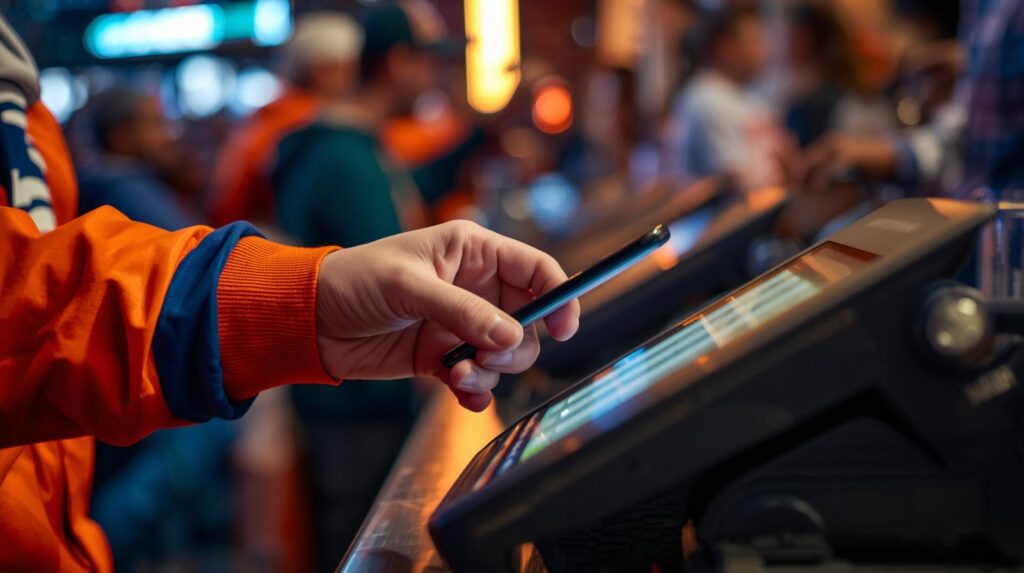
North America is heavily reliant on contactless payments. From buying a beer at MetLife Stadium in New Jersey to paying for a street taco outside Estadio Akron in Guadalajara, tap-to-pay is the standard.
Load your Apple Wallet or Google Wallet with travel-friendly credit cards. Cards backed by Visa or Mastercard are universally accepted across all three host countries and offer seamless backend currency conversion. Look for a card that explicitly states it has “zero foreign transaction fees” to avoid an extra 3% charge on every purchase.
6. Google Translate (Offline Mode)
While English is widely spoken in the US and Canada, navigating the streets of Monterrey, Mexico City, or the heavily francophone areas of Montreal requires a backup plan.
Google Translate is standard, but the real match-day hack is downloading the Spanish and French language packs for offline use. When you are underground in a metro station with zero cell service trying to read a transit sign, offline camera translation is a literal lifesaver.
Navigating the Urban Sprawl
Transportation is where most fans make critical, expensive errors. North American cities are massive, and stadium locations are often miles away from downtown hubs.
7. Citymapper (or Local Transit Apps)
Here is a brutal piece of data: ride-share prices can surge by up to 300% within a 2-mile radius of major stadiums immediately post-match.
Trying to order an Uber outside SoFi Stadium in Los Angeles right after the final whistle will leave you stranded for hours and drain your wallet. You must utilize local transit. Citymapper is excellent for major hubs like New York and LA, offering real-time public transit routing.
For other cities, research and download the specific local rail or bus app ahead of time. Knowing exactly which train line to walk to while tens of thousands of people wait for expensive cars is the ultimate veteran fan move.
8. Booking.com / Airbnb
The knockout stages are unpredictable. If your team finishes second in their group instead of first, their Round of 32 match might suddenly be in Vancouver instead of Miami.
You need high-level flexibility. Apps like Booking.com and Airbnb are essential for securing last-minute lodging. Look for properties with generous, 24-hour cancellation policies.
If you are a nomadic fan following a specific team, book refundable rooms in multiple potential knockout cities months in advance. Once the group stage math settles and you know exactly where your team is playing, cancel the rooms you don’t need through the app.
Read our guide on how to secure the best short-term rentals during major sporting events.
Entertainment and Downtime
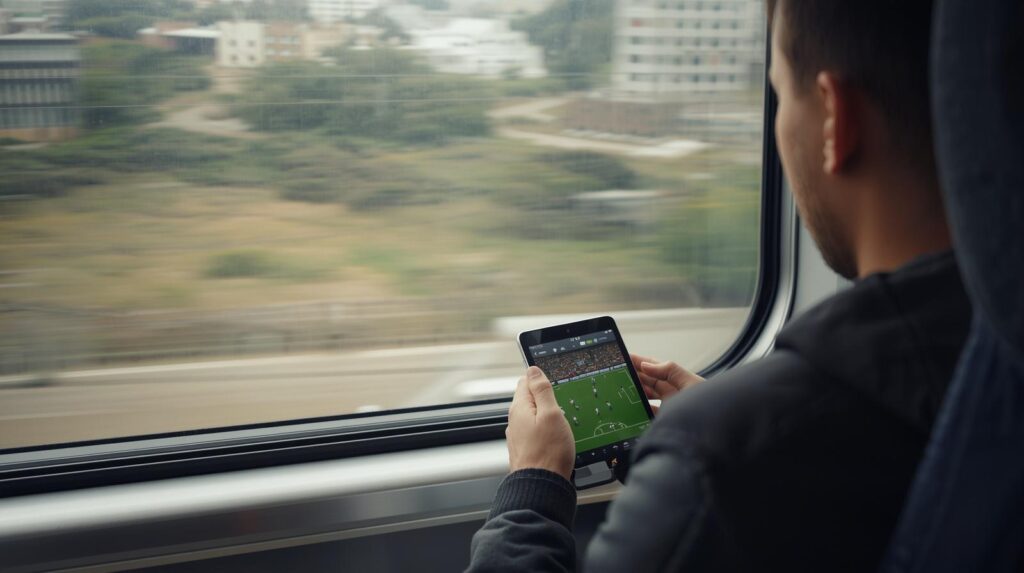
With 104 matches packed into the tournament, you are going to miss live games while you are in transit. You also need a way to fill the rest days between matches.
9. YouTube TV, Peacock, or FuboTV
When you are riding an Amtrak train down the East Coast or waiting out a layover at LAX, the tournament doesn’t stop. You need a robust mobile streaming solution.
Depending on the broadcast rights in the country you are standing in, having access to heavy-duty streaming platforms like YouTube TV, Peacock, or FuboTV ensures you can watch games live on your phone. Just remember to use your VPN if you are trying to access your specific home-market subscription while crossing borders.
10. Ticketmaster / SeatGeek
What do you do on a Tuesday when there are no World Cup matches in your host city? You become a local.
We call apps like Ticketmaster and SeatGeek “Rest-Day Rescuers.” Use them to find alternative entertainment. North American summers are packed with live music, baseball games, and MLS matches. These secondary market apps allow you to grab last-minute tickets to local events, keeping your travel itinerary packed and exciting even when your team is resting.
The Final Whistle
The 2026 World Cup is a test of endurance, planning, and digital savvy. The fans who have the best time won’t just be the ones whose teams make the final; they will be the ones who mastered the logistics of a tri-country tournament.
Load up your folders, update your operating systems, and download these apps long before you head to the airport. Your future self, standing outside a stadium in Mexico City or navigating a train in Toronto, will thank you.
Don’t miss a single match-day hack. Subscribe to FeedUpdate’s FIFA 2026 Fan Newsletter for weekly local city guides, transit tips, and exclusive fan experiences delivered straight to your inbox.
Frequently Asked Questions (FAQ)
- Can I print my FIFA 2026 ticket on paper? No. FIFA has moved to a strict digital-only ticketing system for 2026. You must use the official FWC2026 Mobile Tickets app. Paper tickets, printouts, and even digital screenshots will not be accepted at any stadium gate due to the dynamic barcode system.
- Will my US data plan work in Canada and Mexico? It depends entirely on your carrier and specific plan. Major providers like Verizon and AT&T often include Canada and Mexico in their premium unlimited plans, or offer daily travel passes. However, if you are traveling from Europe or South America, you should purchase a regional North American eSIM to avoid massive roaming charges.
- How bad is surge pricing after a World Cup match? Severe. Data from similar massive events shows that ride-share apps can surge up to 300% in the immediate vicinity of an 80,000-seat stadium post-match. Wait times can also stretch for hours. Planning a public transit route using local apps is highly recommended to escape the immediate stadium radius.
- Do I need physical cash for the 2026 World Cup? Very little. The US, Canada, and Mexico have widely adopted contactless payments. Having Apple Wallet or Google Pay linked to a travel credit card (like Visa or Mastercard) will cover 95% of your purchases. It is always wise to keep a small amount of local currency for minor cash-only vendors, but digital payments are the standard.