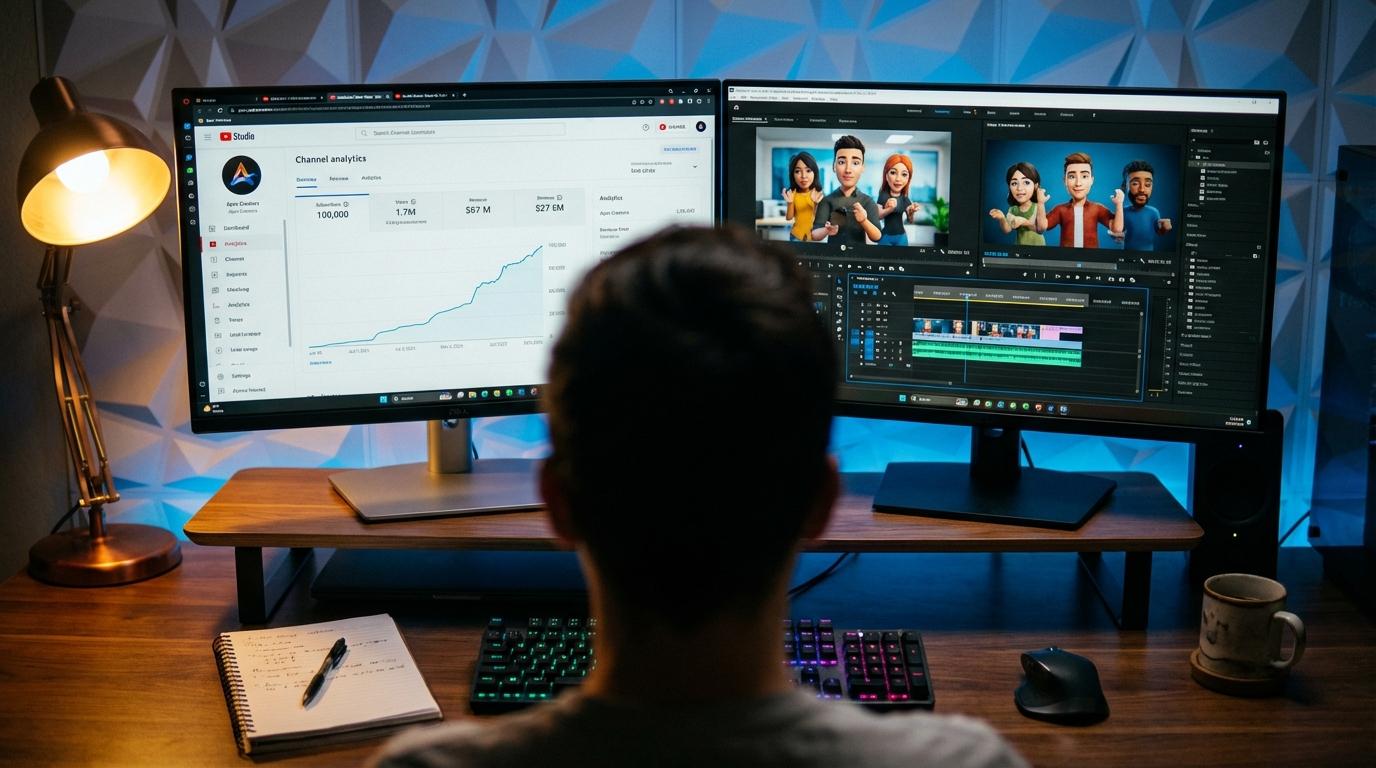
If you run an e-commerce brand or local business, you already know the brutal reality of paid social: TikTok is where consumer attention lives, but keeping up with its creative appetite feels impossible. The platform demands a relentless pipeline of fresh, high-energy videos. Run the exact same ad creative for more than two weeks, and audience ad fatigue sets in, watch time plummets, and your customer acquisition costs (CAC) spike through the roof.
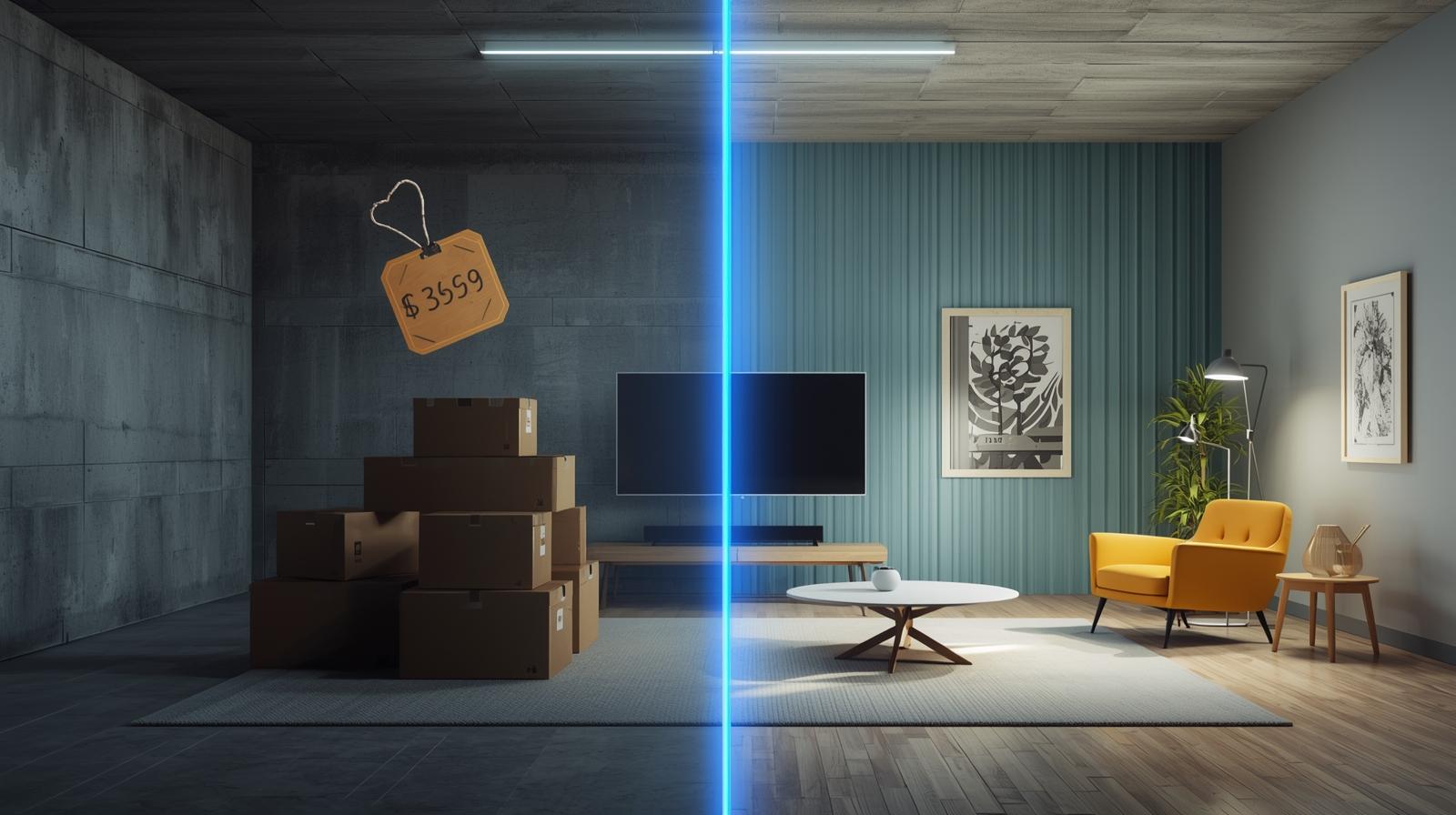
Traditionally, businesses solved this dilemma by hiring boutique video production agencies or freelance creative directors. The invoice? Anywhere from $3,000 to $5,000 for a single batch of polished video ads, not including weeks of back-and-forth storyboarding, revisions, and costly delays.
For an emerging e-commerce shop or bootstrapped entrepreneur, burning thousands of dollars on speculative video assets is financial suicide. More importantly, high-gloss, ultra-produced corporate videos often flop on TikTok because users instinctively swipe past anything that smells like a traditional television commercial. Authenticity, punchy pacing, and native formatting reign supreme.
This is where smart founders are flipping the script. Instead of outsourcing to expensive production firms, businesses are leveraging browser-based AI video suites to produce studio-grade, direct-response ads in under ten minutes. By tapping directly into Invideo’s Template Library, anyone can produce thumb-stopping TikTok campaigns with zero filming equipment, zero editing background, and zero agency retainers.
The Death of the $5,000 Agency Video Shoot
Why did professional agency video shoots cost so much in the first place? You were never just paying for the finished 15-second MP4 file; you were paying for overhead:
- Studio rentals, multi-camera cinema packages, and lighting setups
- Hair, makeup, and paid on-screen actors
- Audio engineers and royalty licensing fees for background music
- Editors charging hourly rates for color correction and kinetic subtitle rendering
On TikTok, polished cinema lighting is actually a disadvantage. The highest-converting paid creatives look like native user-generated content (UGC). Audiences want relatable, dynamic, smartphone-style framing that feels like an honest recommendation from a friend, paired with crisp animated text, dynamic sound design, and immediate product demonstrations.
Invideo levels the playing field by distilling the entire video production pipeline into an intuitive, AI-assisted interface. You supply product photos, storefront links, or basic bullet points, and the platform delivers polished, ready-to-run short-form ads that mirror what is trending on the For You Page (FYP).
Why Invideo’s E-Commerce Templates Outperform From Day One
Creating an ad from a completely blank timeline is intimidating. You have to decide when the transition hits, where captions sit so they aren’t blocked by TikTok’s UI buttons, and how to pace the backing audio.
Invideo bypasses the blank-canvas syndrome through its specialized e-commerce library. These designs are reverse-engineered directly from top-performing TikTok Spark Ads and viral organic hooks.
1. Direct-Response Layouts Built for Vertical 9:16 Screens
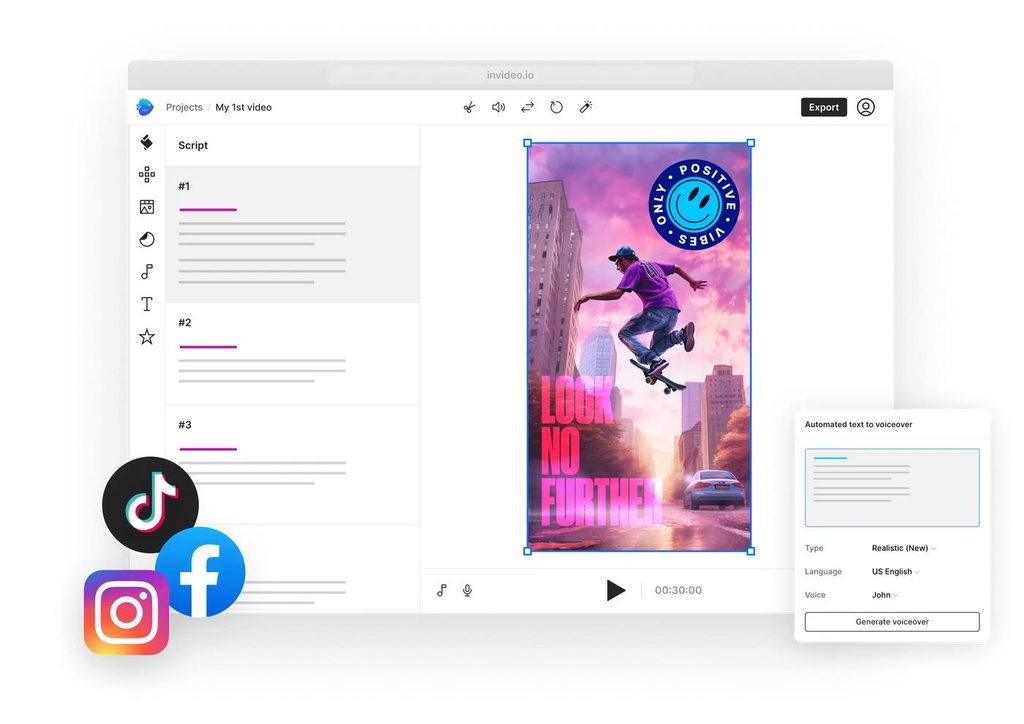
Every template is natively formatted in 9:16 vertical resolution, complete with designated safe zones. That means your text overlays, promo discount codes, and buy buttons will never be hidden behind TikTok’s comment icons, profile badges, or caption captions.
2. Built-in Text-to-Speech and Dynamic AI Subtitles
Over 70% of TikTok users watch video with sound on, yet clear on-screen captions remain essential for retention. Invideo automatically transcribes speech into bold, auto-highlighting kinetic subtitles (the viral MrBeast style) and offers hyper-realistic AI voiceovers in dozens of dialects and tones. You don’t need a microphone or a voice actor, type your script, choose a natural voice, and let the software sync the cadence.
3. Millions of Premium Stock Assets at Your Fingertips
Need lifestyle b-roll of someone unboxing a package, running on a beach, or drinking an iced coffee to supplement your product shots? Invideo integrates seamlessly with premium libraries like iStock and Storyblocks. You can drag and drop licensed, crystal-clear clips straight into your project without leaving the editor or paying per-asset fees.
4. URL-to-Video Transformation
If you are running an online store on Shopify, Amazon, or WooCommerce, Invideo can scrape your product page directly. Drop your product URL into the generator, and the tool pulls high-resolution imagery, feature descriptions, and customer reviews, instantly assembling them into an edited, animated storyboard ready for final tweaks.
Step-by-Step: From Concept to Published TikTok Ad in Under 10 Minutes
Producing a commercial-grade ad through Invideo requires no complex keyframing or timeline trimming. Here is the exact workflow:
Step 1: Select Your E-Commerce Campaign Objective
Navigate to Invideo’s Template Library and filter by the TikTok Ads or E-Commerce Promo category. Browse options based on your campaign angle: flash sale announcements, problem-versus-solution comparisons, unboxing showcases, or customer testimonial compilations.
Step 2: Upload Your Raw Assets or Paste Your Link
Drop in your raw smartphone clips, high-res transparent PNG product photos, or brand logo. If you don’t have custom footage, use the built-in media search to find relevant aesthetic b-roll that matches your product niche.
Step 3: Customize the Hook and Script
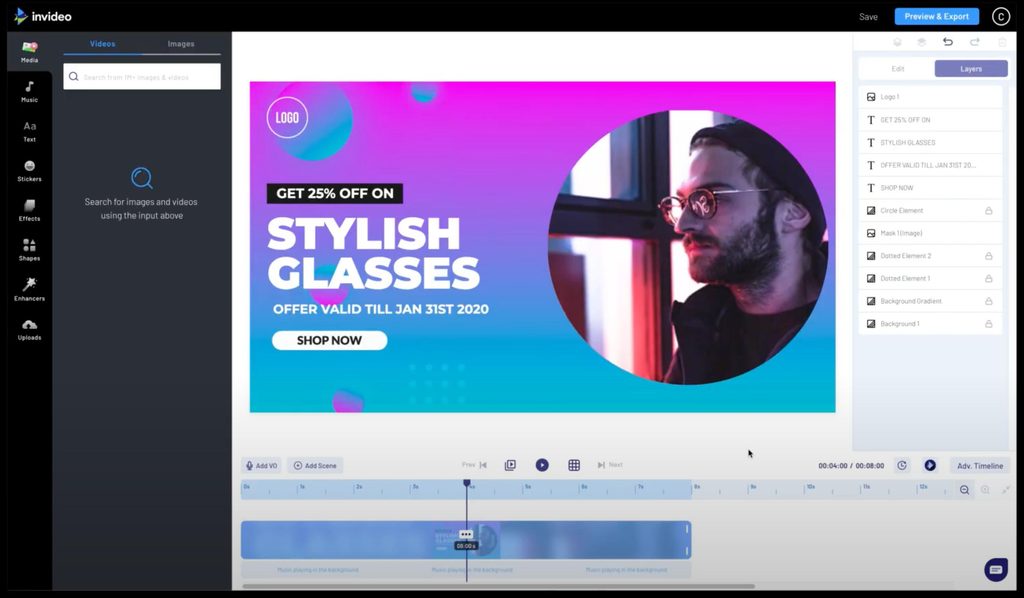
Swap out the placeholder text with your compelling hook. Keep your copy punchy, direct, and focused on benefits rather than abstract features. Invideo allows you to adjust font styling, brand colors, and animations with a single click.
Step 4: Fine-Tune Audio and Voiceover
Select a trending, upbeat commercial audio track from Invideo’s royalty-free music library. Use the integrated AI voice generator to lay down a crisp voiceover track, or record your own voice directly through your laptop microphone using the in-browser recording tool.
Step 5: Export in Full 1080p HD
Hit export. Within minutes, your high-definition, TikTok-optimized video file is rendered and ready to upload straight into TikTok Ads Manager or publish organically from your brand profile.
Why Scaling Creative Velocity Wins Ad Auctions
Modern ad platform algorithms reward creative velocity. When you launch three, five, or ten variations of an ad, testing different 3-second hooks against the same core demo, the platform’s machine learning rapidly identifies which hook connects with specific buyer demographics.
Agencies charging $5,000 can only give you one or two variations per cycle. With Invideo, you can take a single winning product video, duplicate the project, swap the first three seconds with four distinct hook variations, and generate five totally unique ad creatives in less than fifteen minutes.
That velocity is how small brands scale from four-figure monthly spends to seven-figure revenue without ever hiring an outside production team.
Frequently Asked Questions
Do I need professional camera equipment to use Invideo’s templates?
Not at all. The vast majority of top-performing TikTok ads are shot on standard smartphones (iPhone or Android). High-resolution phone clips often look more genuine and native to the platform than footage shot on $10,000 RED or ARRI cameras. Simply upload your phone footage into Invideo, and the templates handle graphic design, typography, transitions, and polish.
Can I use the music inside Invideo for commercial TikTok ads?
Yes. Invideo’s built-in audio library contains fully licensed, royalty-free music and sound effects cleared for commercial monetization and paid social media campaigns across platforms like TikTok, Instagram, and YouTube. You don’t have to worry about copyright strikes or silenced audio tracks on your live ads.
How is Invideo different from editing directly inside the TikTok app?
While TikTok’s native in-app editor is fine for basic organic posts, it lacks multi-layer e-commerce design capabilities, professional stock b-roll integrations, brand asset management, and advanced AI script-to-video tools. Invideo gives you a desktop-grade workflow where you can save brand colors, store templates, batch-produce variations, and export files with higher visual fidelity.