You don’t need a second phone to have a second number.
For years, anyone balancing a growing freelance business, an active side hustle, or regular international travel carried around two devices. One was for family and personal life, the other for client calls, buyer inquiries, and temporary connectivity. It meant double the chargers, double the battery anxiety, and an awkward ritual of juggling two slabs of glass every time your pocket buzzed.
Modern smartphones have made that clunky setup obsolete. Thanks to Dual SIM functionality powered by eSIM technology, your existing phone can run two active phone numbers at the exact same time.
Whether you need a dedicated business line that you can clock out of at 6 PM, a disposable number for Facebook Marketplace sales, or a reliable US line that keeps bank verification codes flowing while you backpack across Europe, Tello Mobile’s eSIM provides an affordable, flexible solution.
Here is how the “one phone, two lives” approach works, why Tello makes it effortless, and how you can set it up in minutes without waiting for a plastic card in the mail.
The Real-World Superpower of Dual SIM and eSIM
An eSIM (embedded SIM) is a tiny digital chip built directly inside your smartphone. It does everything an old-fashioned plastic SIM card does, except it requires no physical shipping, no tiny metal ejector tools, and no trips to a carrier store. You simply download a carrier profile via a QR code or an app, and your phone connects to the network instantly.
When paired with Dual SIM functionality, your phone can keep both lines active simultaneously:
- Line 1 (Personal): Your primary carrier for friends, family, and home life.
- Line 2 (Tello eSIM): Your dedicated business line, freelance contact, side-hustle buffer, or flexible travel connection.
Your phone lets you color-code and label each line (for example, “Work” and “Personal”). When an incoming call rings, your screen displays which line is ringing before you even pick up. When placing an outgoing call or composing a text message, you simply tap a toggle to decide which number the recipient sees.
4 Real-World Scenarios Where a Tello eSIM Shines
Rather than treating eSIM as a dry piece of tech, consider how running a secondary Tello line changes everyday situations.
1. The Freelancer and Small-Business Owner: Protecting Work-Life Boundaries
Handing out your personal cell phone number to clients is a recipe for burnout. Midnight texts, early-morning weekend calls, and casual weekend check-ins inevitably blur the line between work and home.
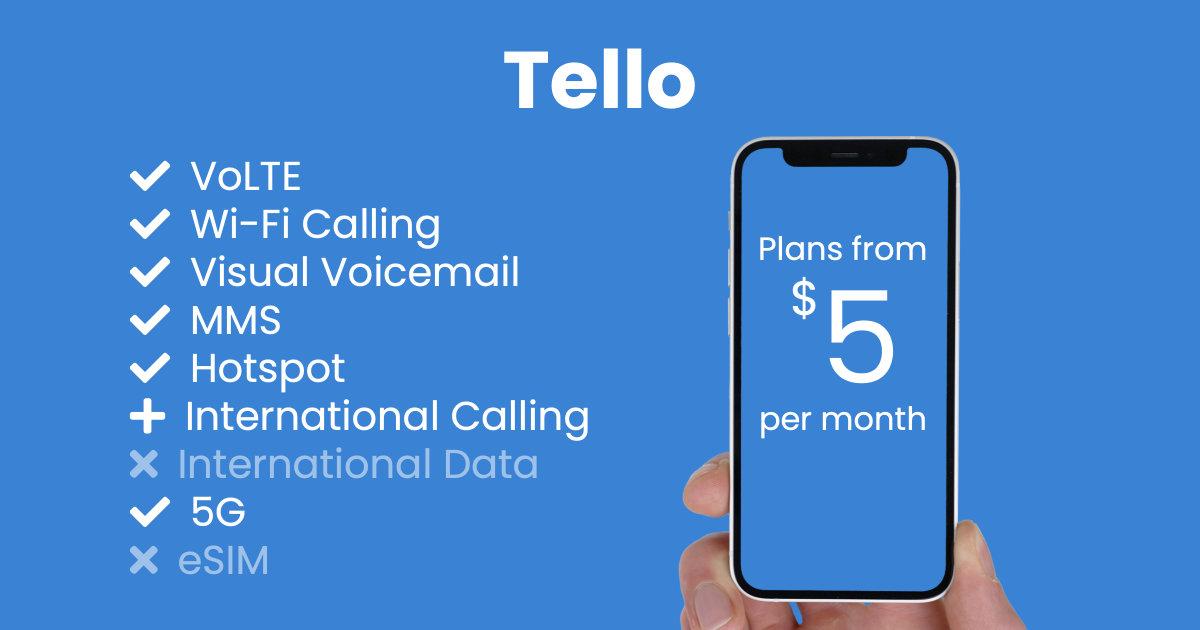
With Tello, you can spin up a dedicated business number starting at just $5 to $10 per month without buying hardware.
- The Routine: Set your Tello line as the public contact on your website, email signature, and business cards.
- The Boundary: When your workday ends, use your phone’s built-in focus settings or toggle the Tello line to “Off.” Your personal line stays wide open for friends and family, while client calls head straight to voicemail until Monday morning.
2. The Online Marketplace Seller: Privacy Without the Paranoia
Selling a used sofa, car, or camera on Craigslist, eBay, or Facebook Marketplace shouldn’t require exposing your lifelong personal phone number to strangers.
- The Buffer: Use your secondary Tello line for buyer communication, two-factor text verifications, and delivery drop-offs. If a transaction turns strange or an ad expires, your real personal number remains completely private and protected from spam lists.
3. The Digital Nomad and Expat: Keeping US Bank 2FA Intact Abroad
If you spend months living overseas or bouncing between coworking spaces in Lisbon, Bali, or Mexico City, you know the single biggest headache: two-factor authentication (2FA) SMS codes from US banks and credit card issuers.
Many foreign travel eSIMs only offer data, they don’t give you a true US phone number. If your bank requires an SMS verification code, data-only SIMs leave you stranded.
- The Workaround: Install a local data SIM (or travel eSIM) for high-speed local internet while keeping your Tello eSIM active. Thanks to Wi-Fi Calling, Tello lets you receive US SMS verification texts and place calls back to the US over any Wi-Fi or cellular data connection at no extra charge, regardless of what country you are currently standing in.
4. The Incoming Traveler to the US: Connectivity Before You Land
If you are visiting the United States for a holiday or business trip, hunting down a local SIM card kiosk at the airport is an expensive, stressful chore.
- The Solution: Purchase and configure a Tello eSIM online before your flight departs. The second your plane touches down at JFK or LAX and takes off airplane mode, your phone connects to Tello’s nationwide 5G network. You can book an Uber and message your hotel before you even reach immigration.
Why Tello Is the Ideal Secondary Line
Not all wireless plans are built for secondary SIM usage. Many major carriers require 24-month contracts, credit checks, or expensive minimum plans. Tello takes the opposite approach:
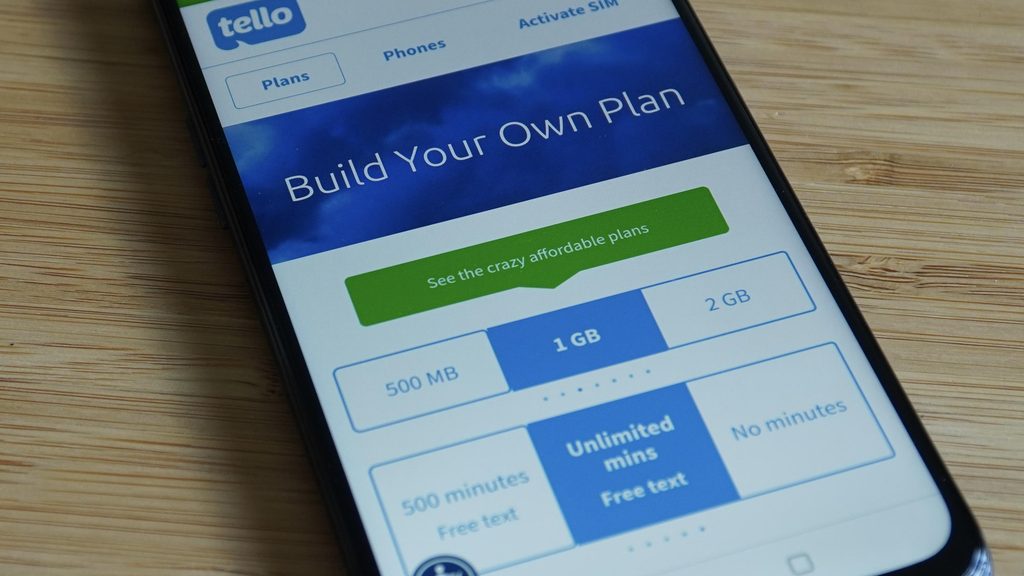
- Customizable Plans: Build a plan that fits your exact secondary needs. If you only need talk and text with no data for verification codes and business calls, plans start at under $10 a month. Need high-speed data for travel? Pick an allotment up to unlimited.
- No Contracts or Hidden Fees: Upgrade, downgrade, or cancel your plan at the start of any 30-day billing cycle directly from the web dashboard.
- Free Wi-Fi Calling & Texting: Crucial for international travelers, this feature routes calls and SMS over the internet, saving you from punitive international roaming surcharges.
- International Calls Included: Tello plans include free calls to landlines and mobiles in over 60 countries, making it simple to keep in touch with international partners or family.
How the Setup Works: Up and Running in 5 Steps
Setting up a secondary Tello line does not require technical expertise. The entire process takes under ten minutes:
- Check Compatibility: Ensure your smartphone is carrier-unlocked and supports eSIM technology.
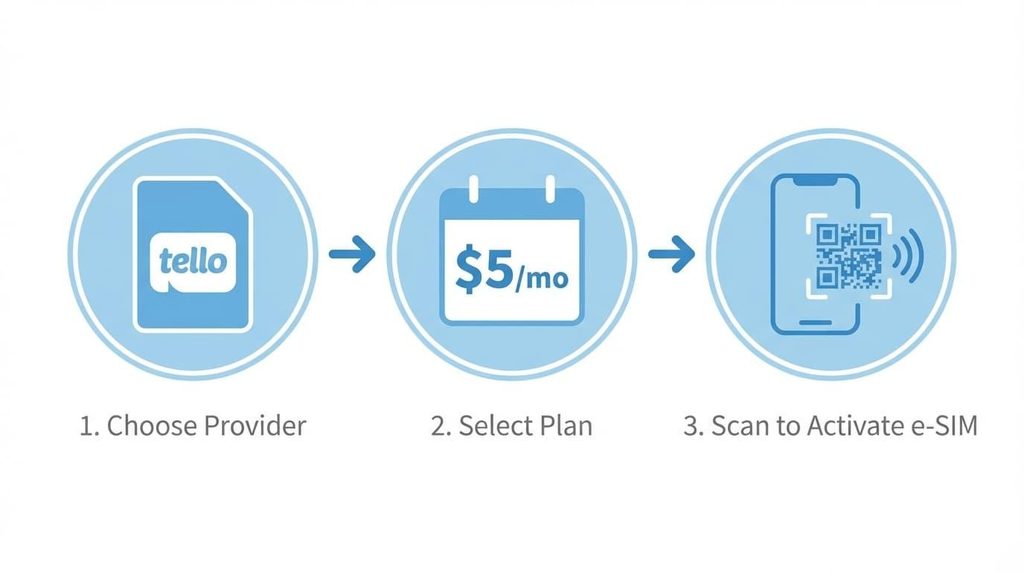
- Choose Your Plan on Tello.com: Select your desired mix of talk, text, and data, then choose “eSIM” as your delivery method at checkout.
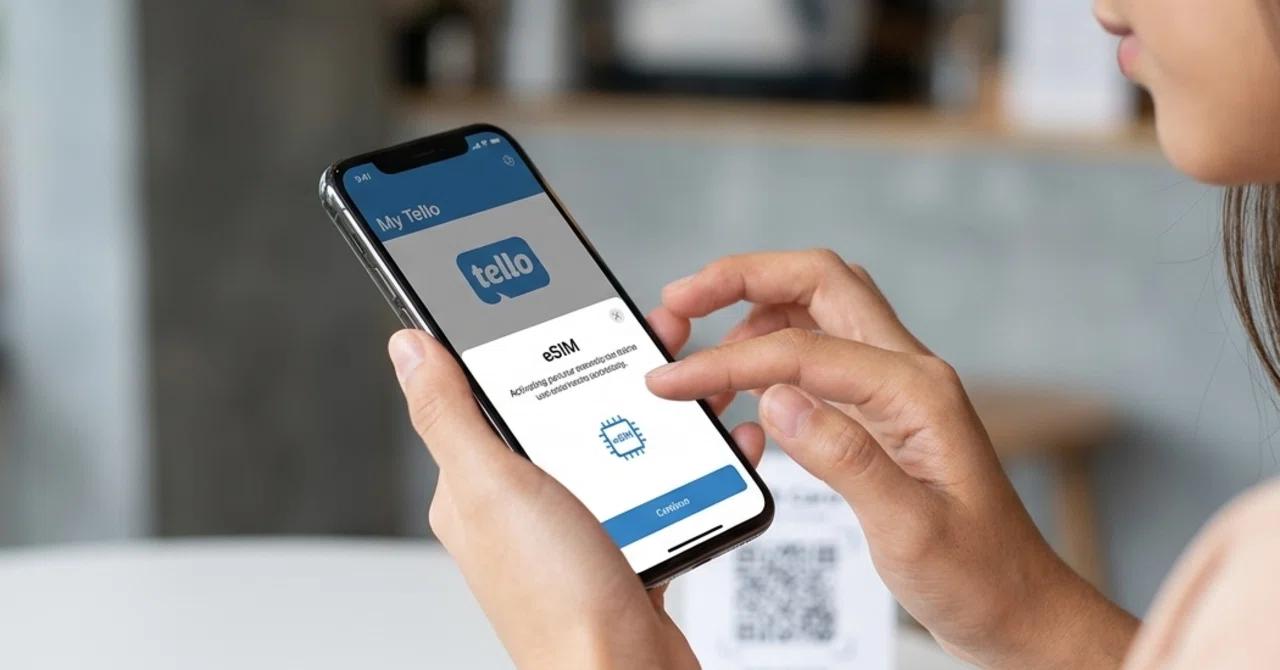
- Receive Your Activation Code: Tello displays a digital QR code in your online account dashboard and sends a copy to your email immediately.
- Scan with Your Phone: Open your phone’s camera or go to your cellular settings, tap “Add eSIM” (or “Add Cellular Plan”), and scan the QR code.
- Label Your Lines: Your phone will prompt you to name your lines. Label your existing number as “Personal” and your new Tello line as “Business” or “Travel.” Choose which line handles default data, and you are ready to go.
Device Compatibility Checklist
To take advantage of a Tello eSIM alongside your personal number, your device must meet two criteria: it must be carrier-unlocked, and it must feature eSIM capability.
Most modern devices built in recent years support this functionality, including:
- Apple iPhone: iPhone XR, XS, and all newer models (iPhone 11 through iPhone 16 series). US models of recent generations operate entirely on dual eSIMs without physical SIM trays.
- Google Pixel: Pixel 3a and all newer generations (Pixel 4 through Pixel 9 series).
- Samsung Galaxy: Galaxy S20 series and newer, Galaxy Z Fold and Z Flip series, and Note 20 models.
- Other Android Devices: Select modern models from Motorola, OnePlus, and Sony that include eSIM firmware support.
If you bought your phone directly from Apple, Google, or Samsung, it is almost certainly unlocked. If your phone was financed through an existing carrier, ensure it is fully paid off so the carrier can unlock the second SIM slot.
Frequently Asked Questions
Can both numbers receive calls and text messages at the same time?
Yes. Both numbers remain on standby simultaneously. When someone dials your personal line, your phone rings. If a client calls your Tello business line two minutes later, your phone rings again with a visual tag identifying the incoming call as your work line.
Does having two active lines drain my battery twice as fast?
Running Dual SIM does consume slightly more battery because your device communicates with two network channels simultaneously. In real-world everyday use, the battery impact is minimal, typically only a 5% to 8% difference over a full day.
Can I use WhatsApp with two different numbers on the same phone?
Yes. You can use standard WhatsApp for your personal line and WhatsApp Business for your Tello number on the exact same device. Both apps operate completely independently without interfering with each other.
What happens to my Tello line if I turn off my phone while traveling?
Your line behaves just like any standard wireless plan. Missed calls route directly to your Tello voicemail, and text messages queue up in the network cloud, delivering to your inbox the moment you reconnect to Wi-Fi or cellular service.
Can I port my existing business number over to a Tello eSIM?
Yes. If you already have a business phone number hosted on another carrier or a virtual service like Google Voice, you can port that number directly onto your Tello eSIM during or after activation.